Direct download · notarized
macOS
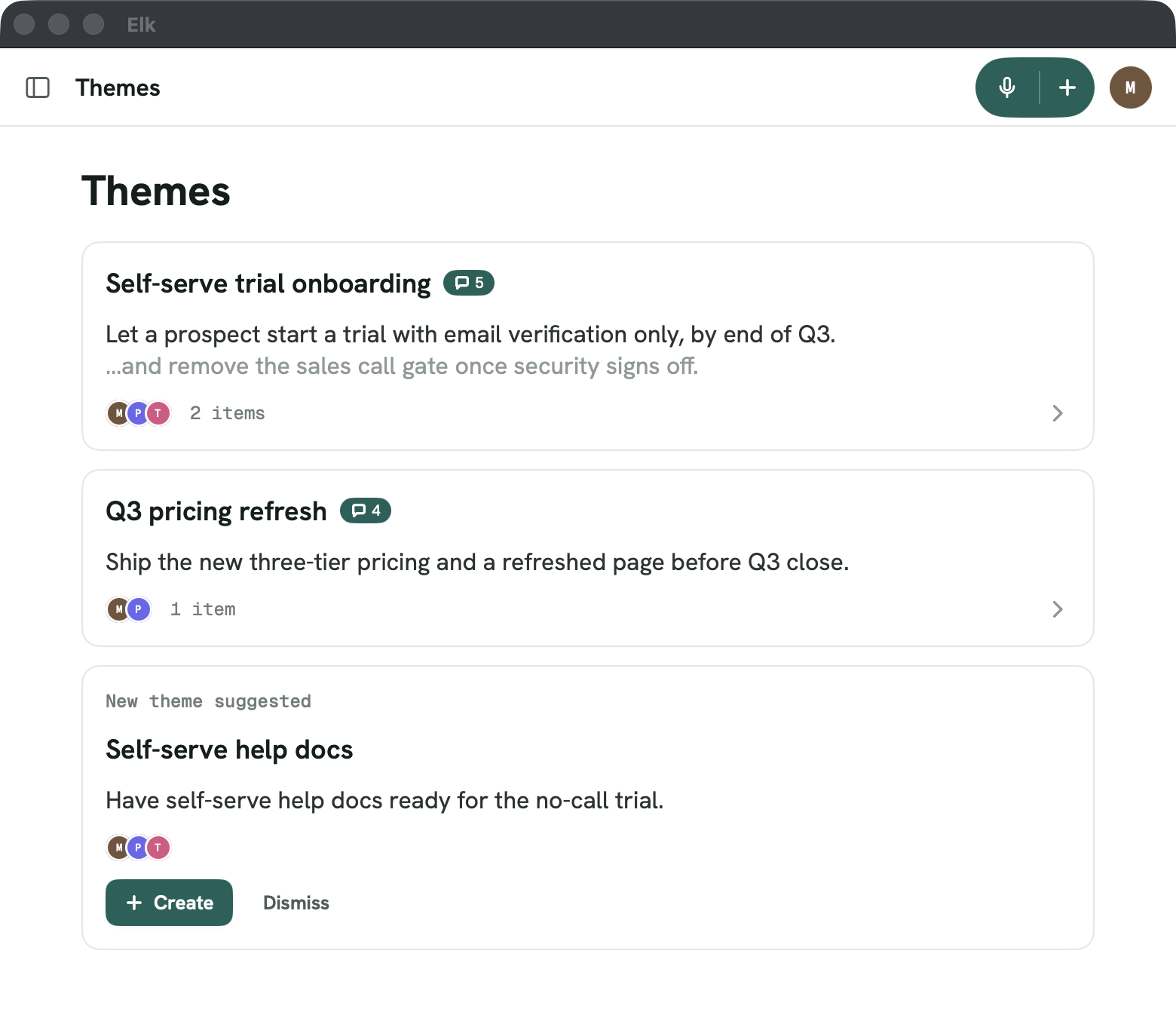
A native Mac app, signed and notarized. Download the disk image, drag Elk to Applications, done.
Download for MacmacOS 14 Sonoma or later · Apple silicon & Intelv1.0 (build 57.6)
 Elk
ElkDownload
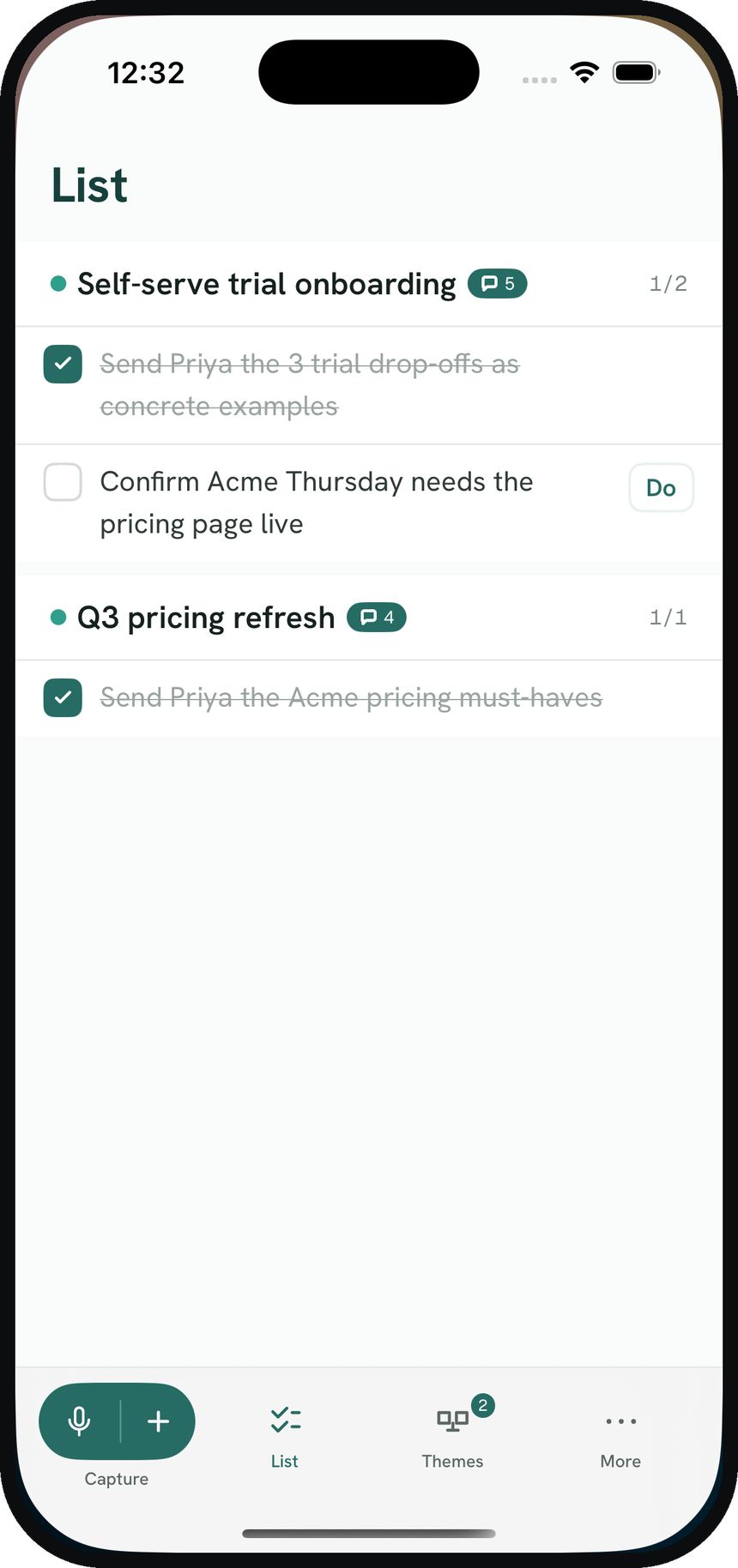
The same reader, observe, distill, decide, as a real app. A signed Mac download, a TestFlight beta for iPhone and iPad, and direct downloads for Android and Windows.
Direct download · notarized
A native Mac app, signed and notarized. Download the disk image, drag Elk to Applications, done.
Download for MacmacOS 14 Sonoma or later · Apple silicon & Intelv1.0 (build 57.6)
Public beta · TestFlight
Elk on iOS is in open beta through TestFlight. Install Apple’s TestFlight app, tap the invite, and you’re in.
Join the TestFlightiOS 17 or later · TestFlight app requiredv1.0 · latest TestFlight build
Direct download · APK
A native Android app. Download the APK, open it, and allow the install when your phone asks. Sign in with your email code, no password.
Download for AndroidAndroid 8 or later · sideload (allow installs when prompted)build 57.11
Direct download · installer
A native Windows app. Run the installer, no admin rights needed. Windows may warn about an unknown publisher: choose “More info → Run anyway”. Sign in with your email code.
Download for WindowsWindows 10 (1809) or later · unsigned beta (SmartScreen prompt)build 57.11
Connect Claude
Elk’s connector lets Claude file the decisions from any working session into your workspace, automatically, so you never have to remember to “add to Elk.”
Copy your personal connector URL in Elk for Mac or iPhone: Settings → Your agents → Elk Connector → Copy connector URL. Open Settings from the Elk menu, or from the profile picture. One URL covers all your workspaces. Each capture files to the right one, and if Elk can’t tell which one, Claude asks you instead of guessing. Type the URL into the terminal prompt on the Claude Code card. Do not paste it into a chat.
Run this in a local Bash or Zsh terminal. The prompt hides the URL while you paste it. Do not paste the URL into a Claude Code chat. A chat keeps it in the transcript and in local history.
printf 'Elk connector URL (hidden): '
IFS= read -r -s ELK_CONNECTOR_URL
printf '\n'
claude mcp add --transport http --scope user elk "$ELK_CONNECTOR_URL"
unset ELK_CONNECTOR_URL
Start a new Claude Code session if the tools do not appear. Then paste this into a chat so Claude files decisions. It does not contain your URL.
Set up Elk capture for me. The Elk connector is already connected. Do not ask me for a connector URL, and do not print one.

1. Append this to ~/.claude/CLAUDE.md (create it if missing):

   ## Elk capture
   - When we finish a task, make a real decision, or wrap up a thread — and whenever I say "add to elk" — call the elk `capture_to_elk` tool: one-line title, 2-5 sentence summary, decisions actually made, open questions, and a few short verbatim excerpts. Quote excerpts exactly; never invent decisions. Don't ask first; confirm in one line after.
   - Always set the tool's `workspace` field to the project this session is about — use the repo/folder I'm working in (the cwd's basename) or the project's name. Elk files the capture into that workspace and replies with where it landed; relay that to me so a misfile is obvious.
   - If Elk answers with a question instead of filing (it wasn't sure which workspace), nothing was stored yet: relay the question and the workspace options to me, then call `capture_to_elk` again with the same content and `workspace` set to my answer.

2. Create ~/.claude/hooks/elk-stop-capture.sh, chmod +x, containing exactly:

   #!/bin/bash
   IN=$(cat)
   printf '%s' "$IN" | grep -q '"stop_hook_active": *true' && exit 0
   TP=$(printf '%s' "$IN" | sed -n 's/.*"transcript_path": *"\([^"]*\)".*/\1/p')
   [ -f "$TP" ] || exit 0
   SZ=$(wc -c < "$TP")
   [ "$SZ" -lt 3000000 ] && exit 0
   MK="$TP.elk-captured"
   LAST=$(cat "$MK" 2>/dev/null || echo 0)
   [ $((SZ - LAST)) -lt 1000000 ] && exit 0
   echo "$SZ" > "$MK"
   echo '{"decision":"block","reason":"This session is getting long. Before context is lost, call the elk capture_to_elk tool now: title, 2-5 sentence summary, decisions actually made, open questions, key verbatim excerpts. Then finish your reply."}'
   exit 0

3. Merge into ~/.claude/settings.json without clobbering existing hooks:
   "hooks": { "Stop": [ { "hooks": [ { "type": "command", "command": "~/.claude/hooks/elk-stop-capture.sh" } ] } ] }

4. Verify each step worked, then capture THIS conversation to Elk as a test and tell me what you filed.

You have my standing permission to send these captures to my Elk workspace.
Add the connector once, then give Claude a standing instruction so every chat captures its decisions — no per-chat setup.
I use Elk to keep a shared record of what gets decided while I work. When we finish a task, make a real decision, or wrap up a thread — and whenever I say "add to elk" — use the Elk connector's capture_to_elk tool: one-line title, 2-5 sentence summary, decisions actually made, open questions, and a few short verbatim excerpts. Set the tool's workspace field to the project this chat belongs to (the Claude Project's name, or the project we're discussing) so it files to the right Elk workspace, and tell me where it filed. If Elk responds with a question instead of filing (it wasn't sure which workspace), nothing was stored yet — ask me which workspace, then call the tool again with the same content and my answer. Quote excerpts exactly, never invent decisions, and confirm in one line after. You have my standing permission to send these captures to Elk.
Safe to install
The Mac build is Developer ID signed and notarized by Apple. Gatekeeper opens it without a warning.
One workspace
Sign in with your workspace and your streams, themes, and actions are already there, on every device.
While in pilot
Elk is in invited pilots. Pricing comes later; for now, start a pilot and put your team’s work in front of it.